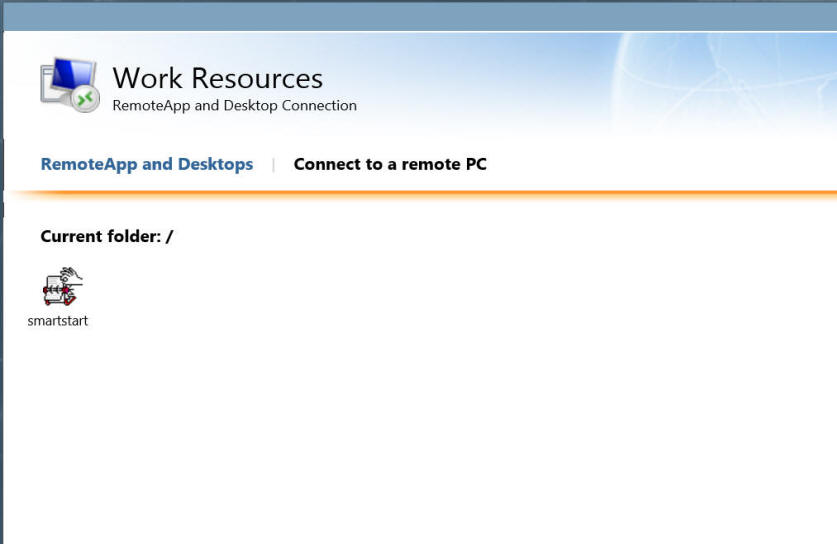
Click on the SmartStart icon.
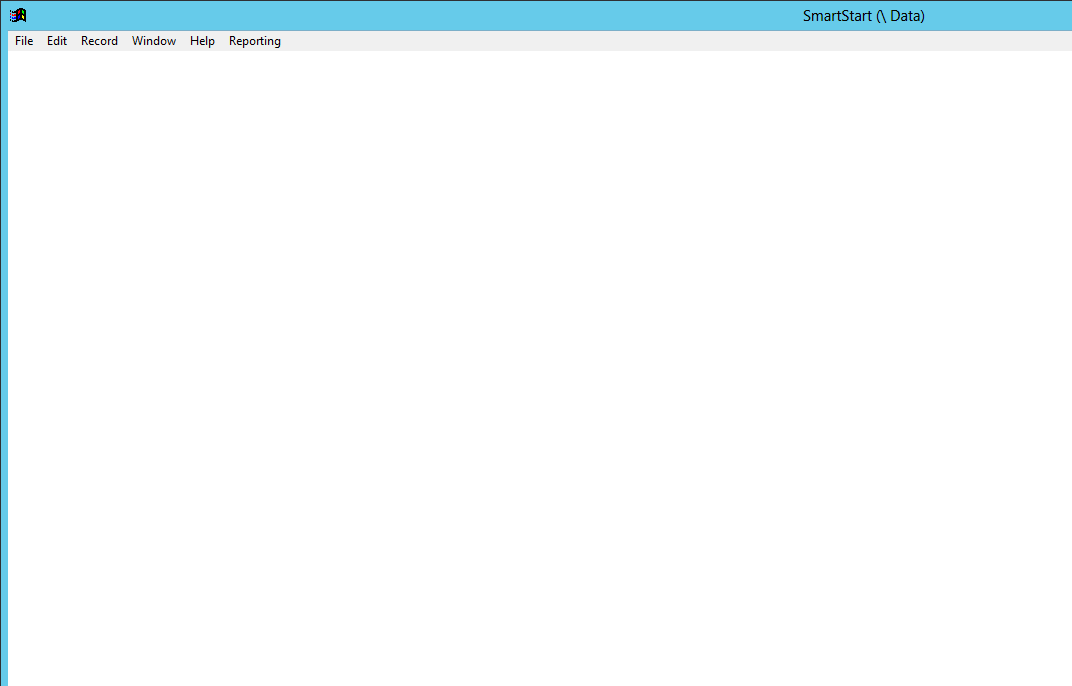
Simply start using the program by using the File/Open menu etc.
To access the SmartStart databank online:
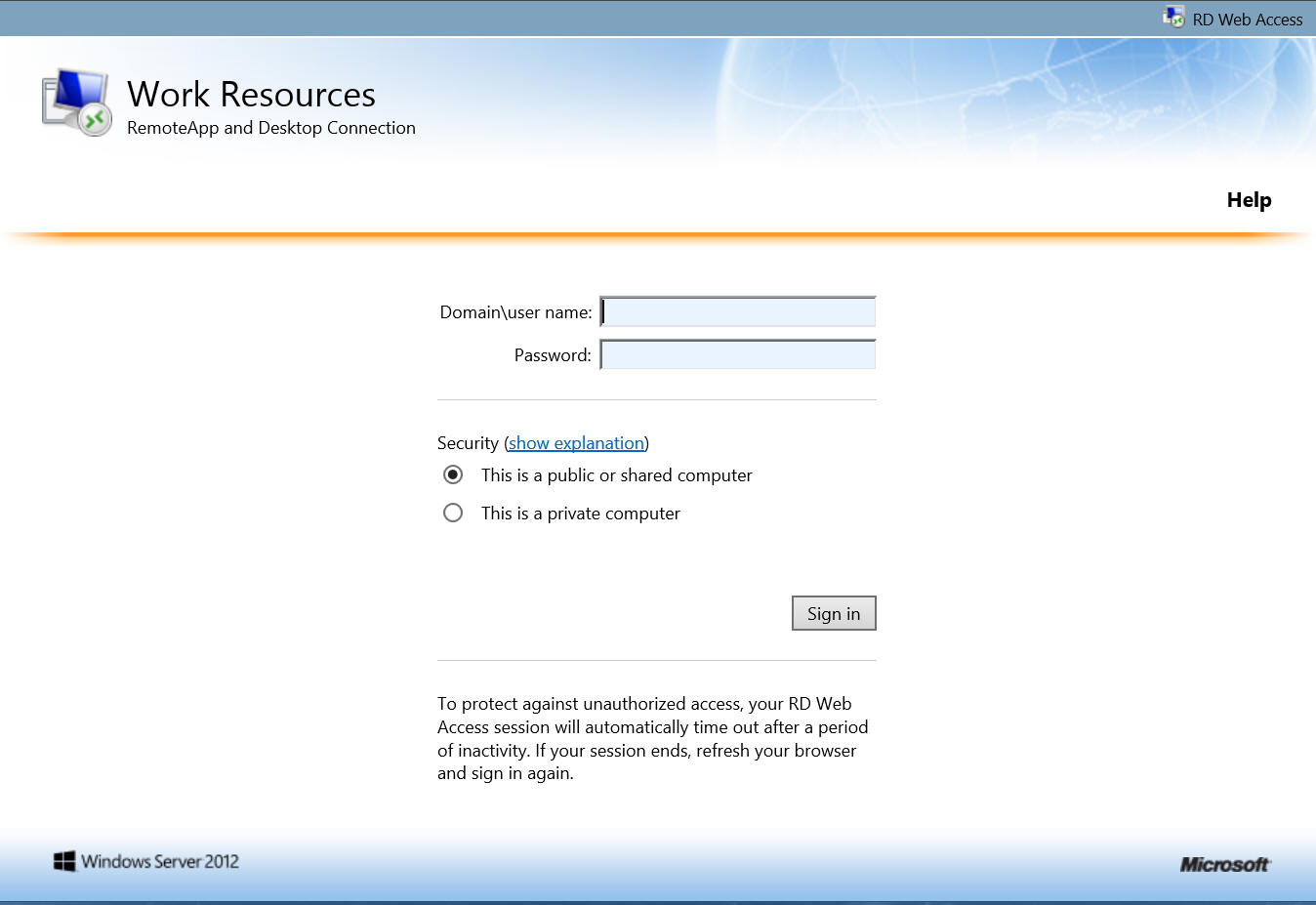
| 1. Using Internet Explorer, go to
https://earlyeducation.xperiad.com/RDWeb/Pages/en-US/default.aspx
and login using the UserID and Password provided to you. Please make
sure you preface your user name with cirrus9\, i.e cirrus9\myusername. |
| 2. Once logged in you will see the following; Click on the SmartStart icon. |
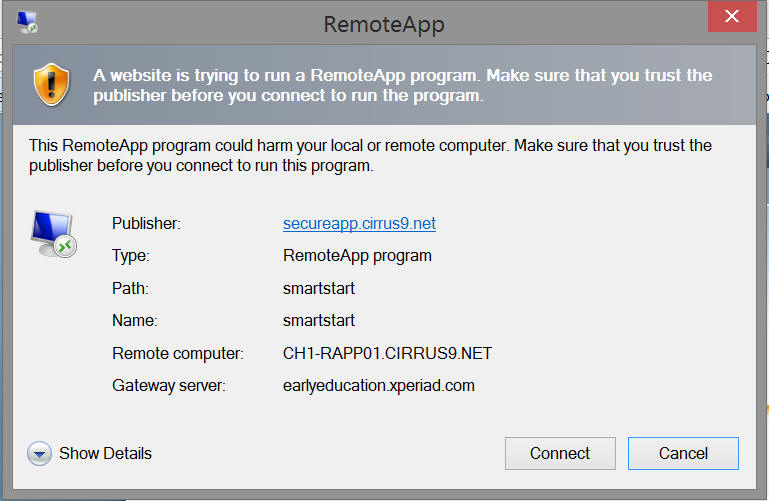
| 3. You will see an information screen like the following, simply
press the Connect button; |
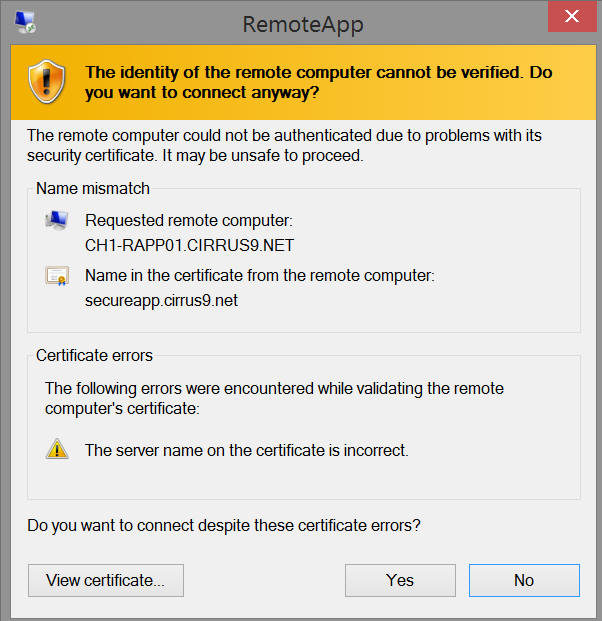
| 4. You will now see a certificate naming error, it is safe to
continue - please click Yes; |
| 5. After a brief pause you should see the opening screen of the
SmartStart program; Simply start using the program by using the File/Open menu etc. |
| 6. When finished, please use the File/Exit menu option. |